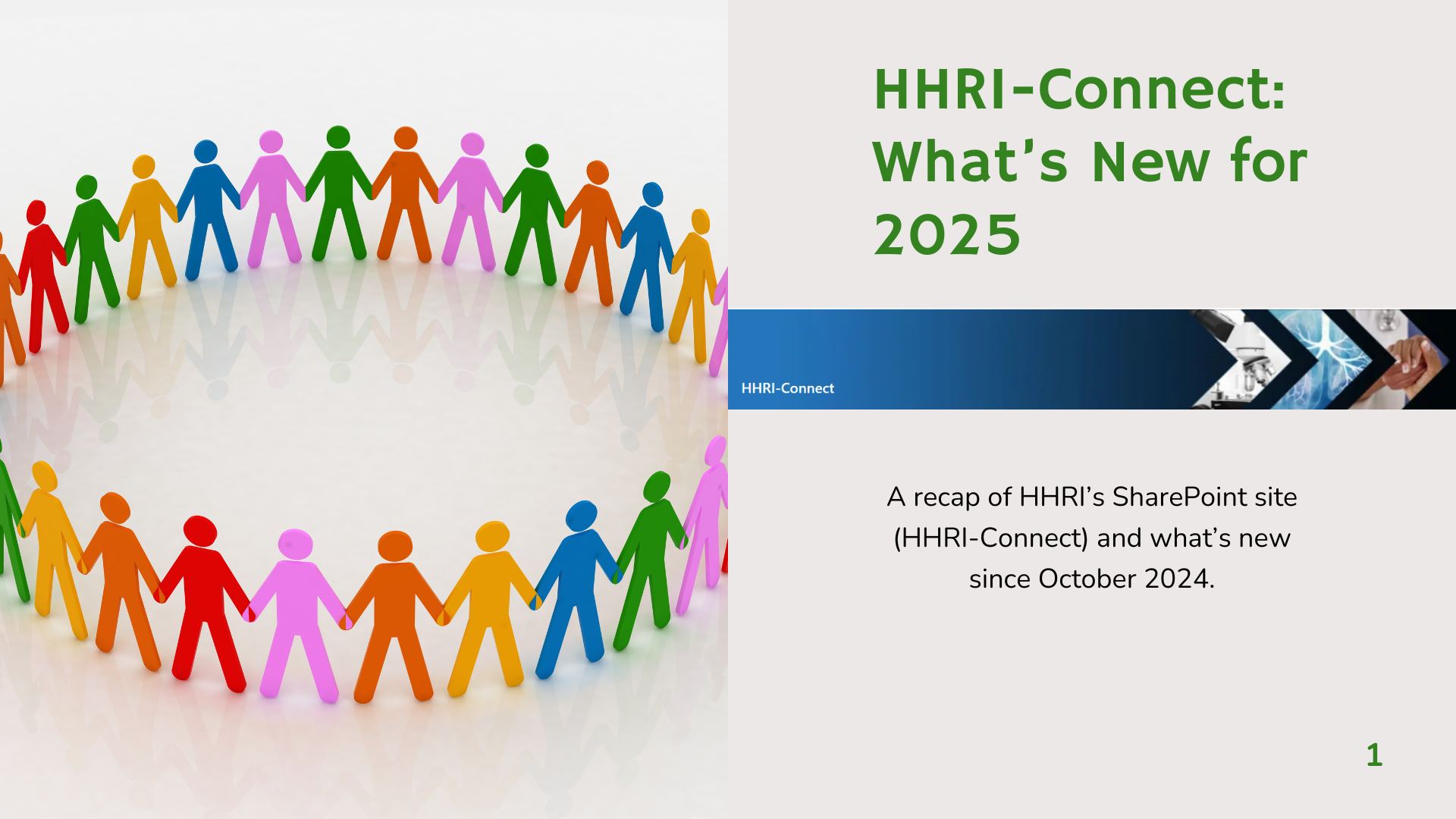
HHRI-Connect Cover Page
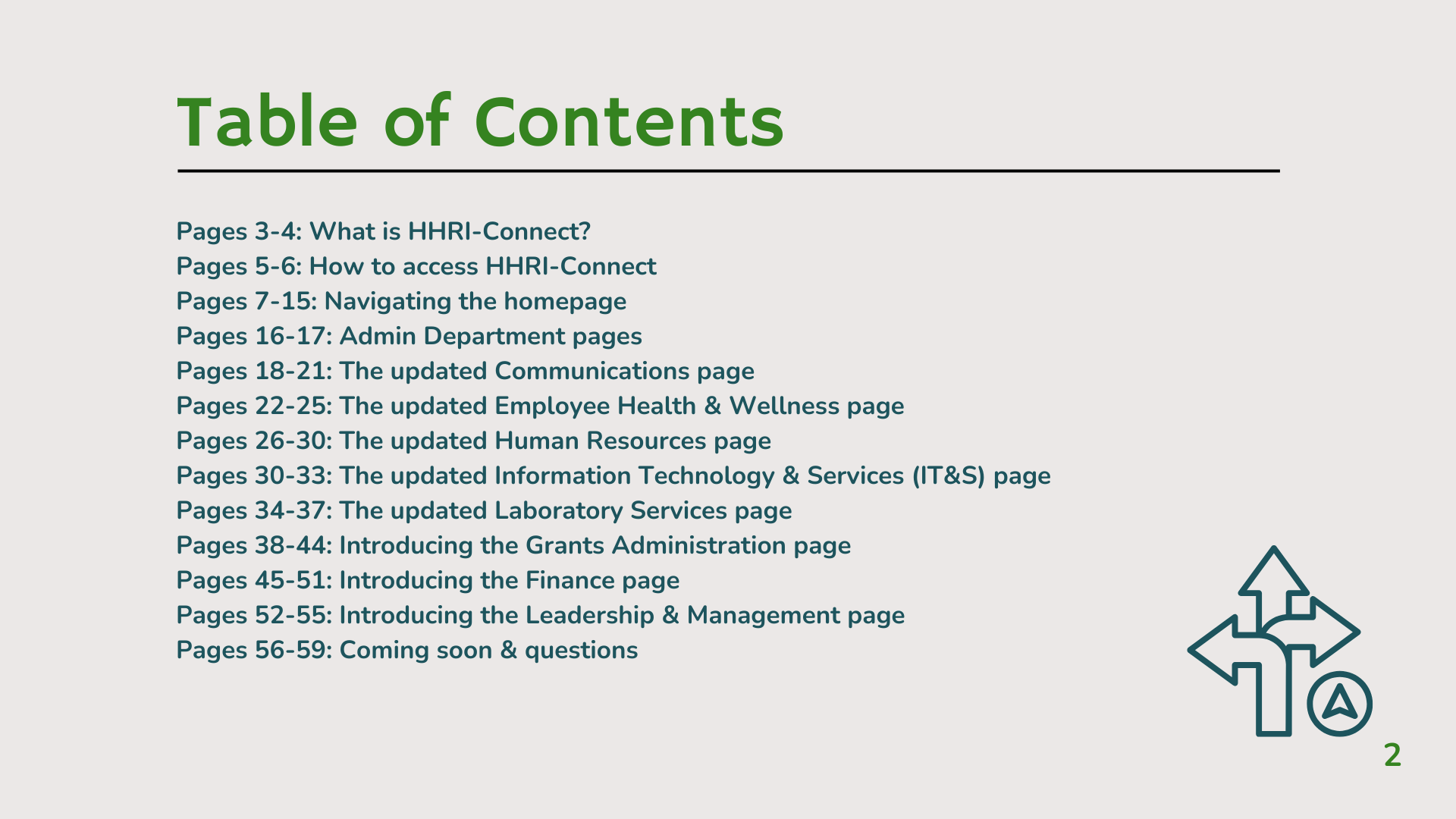
Introduced employees to the organization's newly launched intranet and established learning objectives.
ABOUT: I translate complex information into accessible, engaging experiences through content architecture, visual communication, instructional design, and storytelling—helping audiences understand concepts, navigate resources, and take action.
These projects showcase my ability to translate complex information into accessible learning experiences through storytelling, information architecture, and visual design—helping audiences understand, navigate, and confidently apply new concepts.
THE CHALLENGE:
Employees needed an easy way to navigate a long-awaited SharePoint intranet launch. As existing website resources were consolidated with newly developed content, users needed a clear, self-guided way to explore the site's navigation, tools, and resources.
MY ROLE:
I developed the instructional approach, designed a 60-page self-guided training guide, and facilitated multiple company-wide training sessions to help employees confidently adopt and navigate the new SharePoint intranet.
HIGHLIGHTS:
💡Designed a 60-page self-guided training guide.
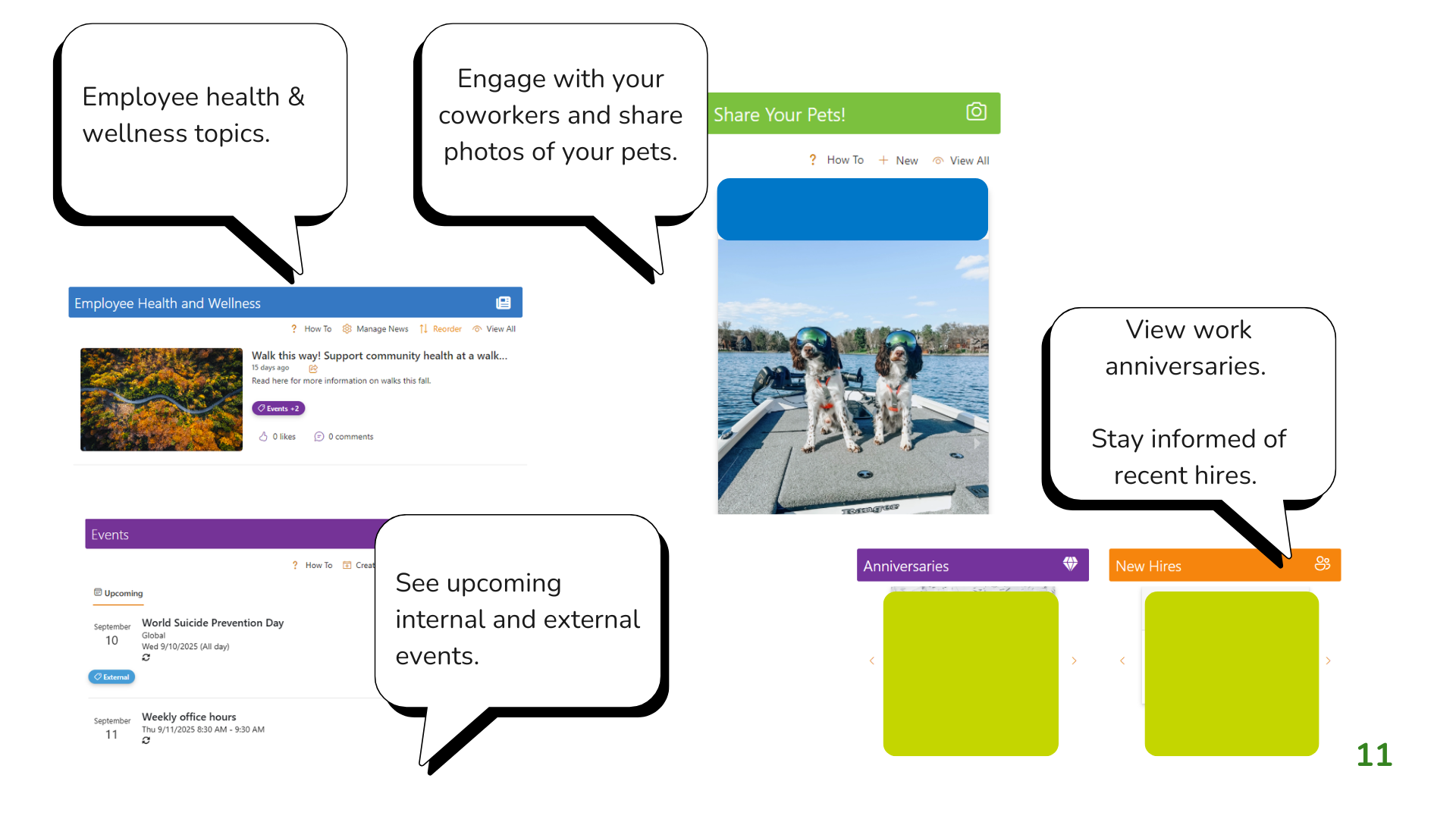
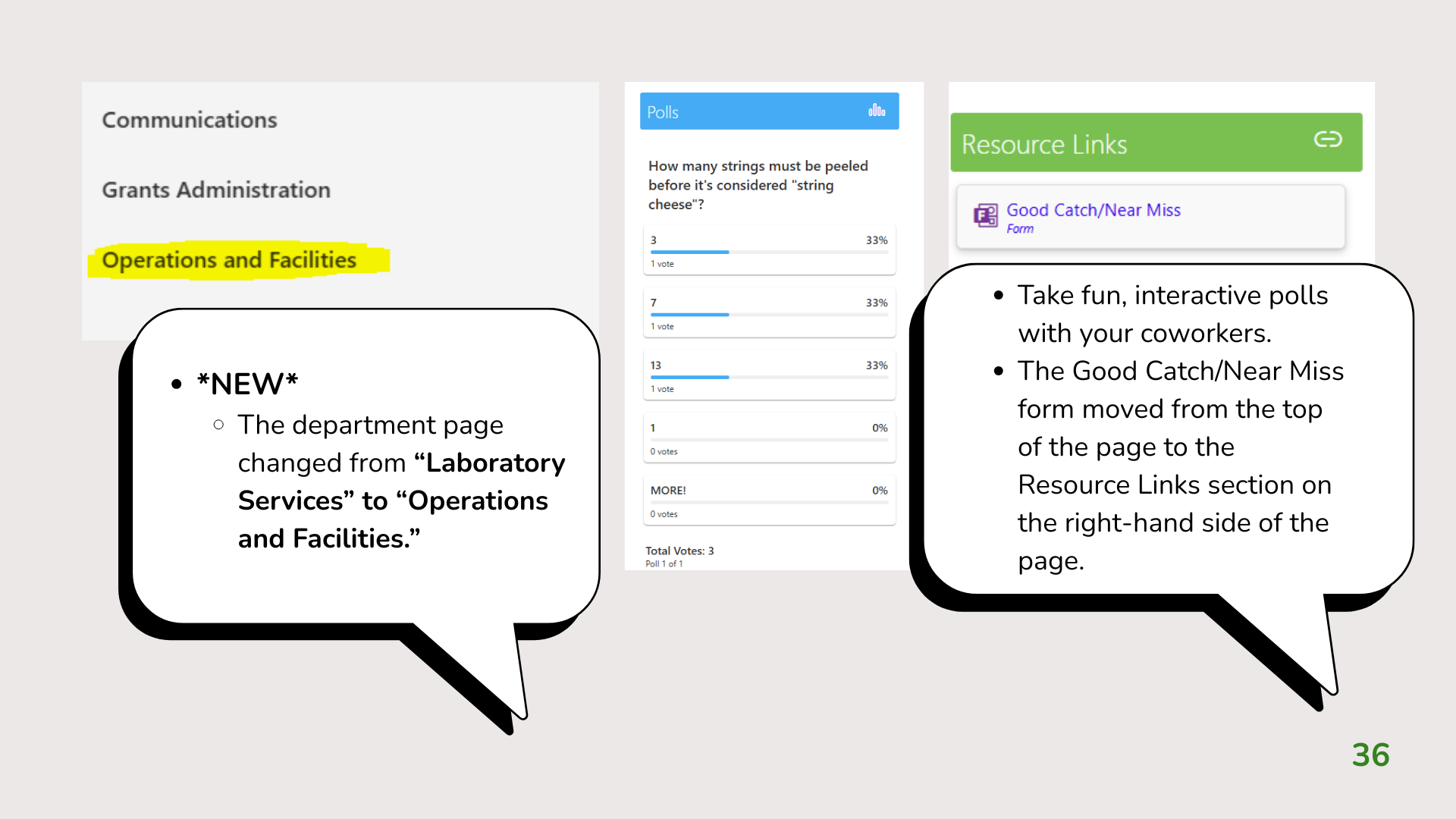
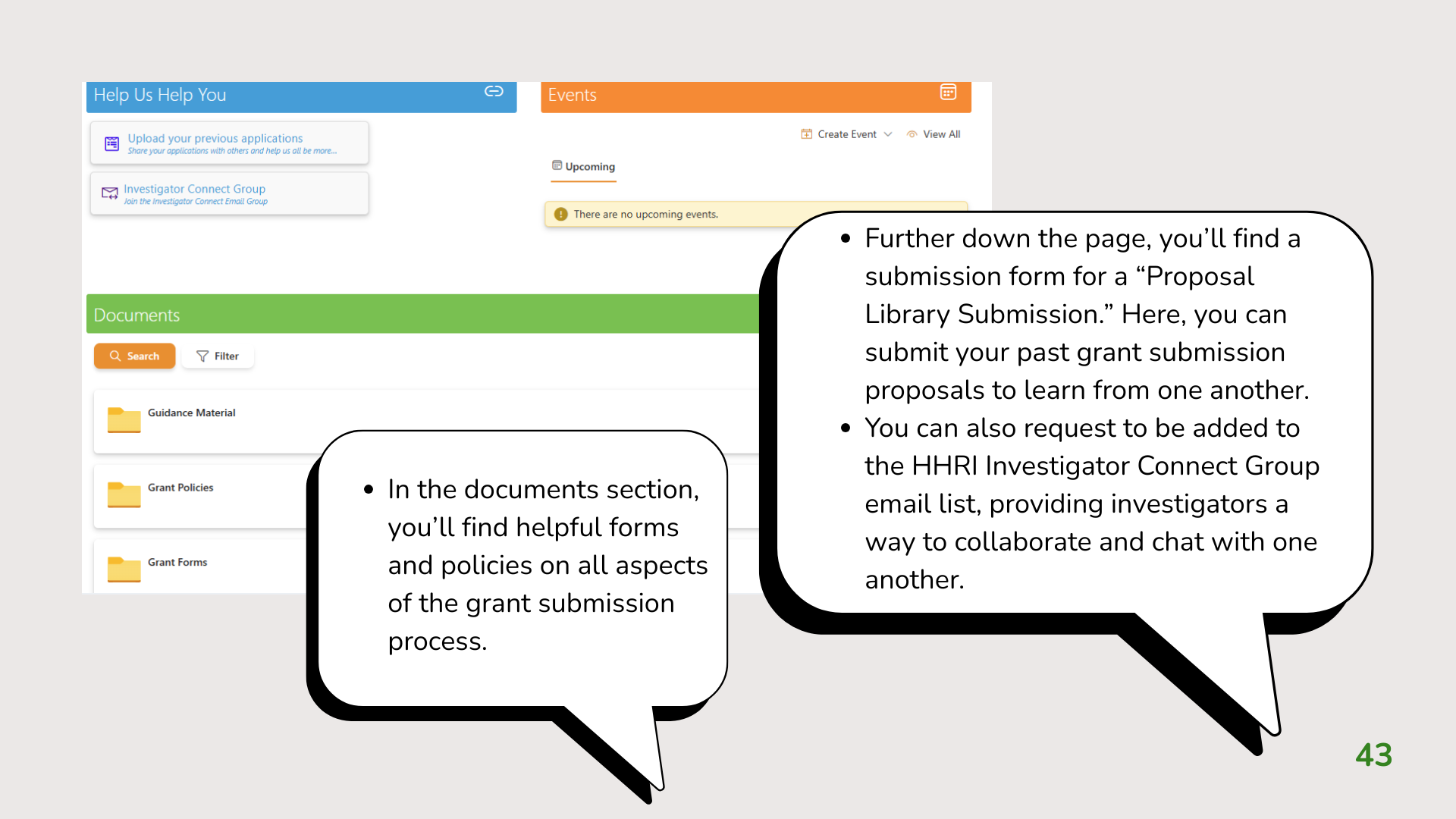
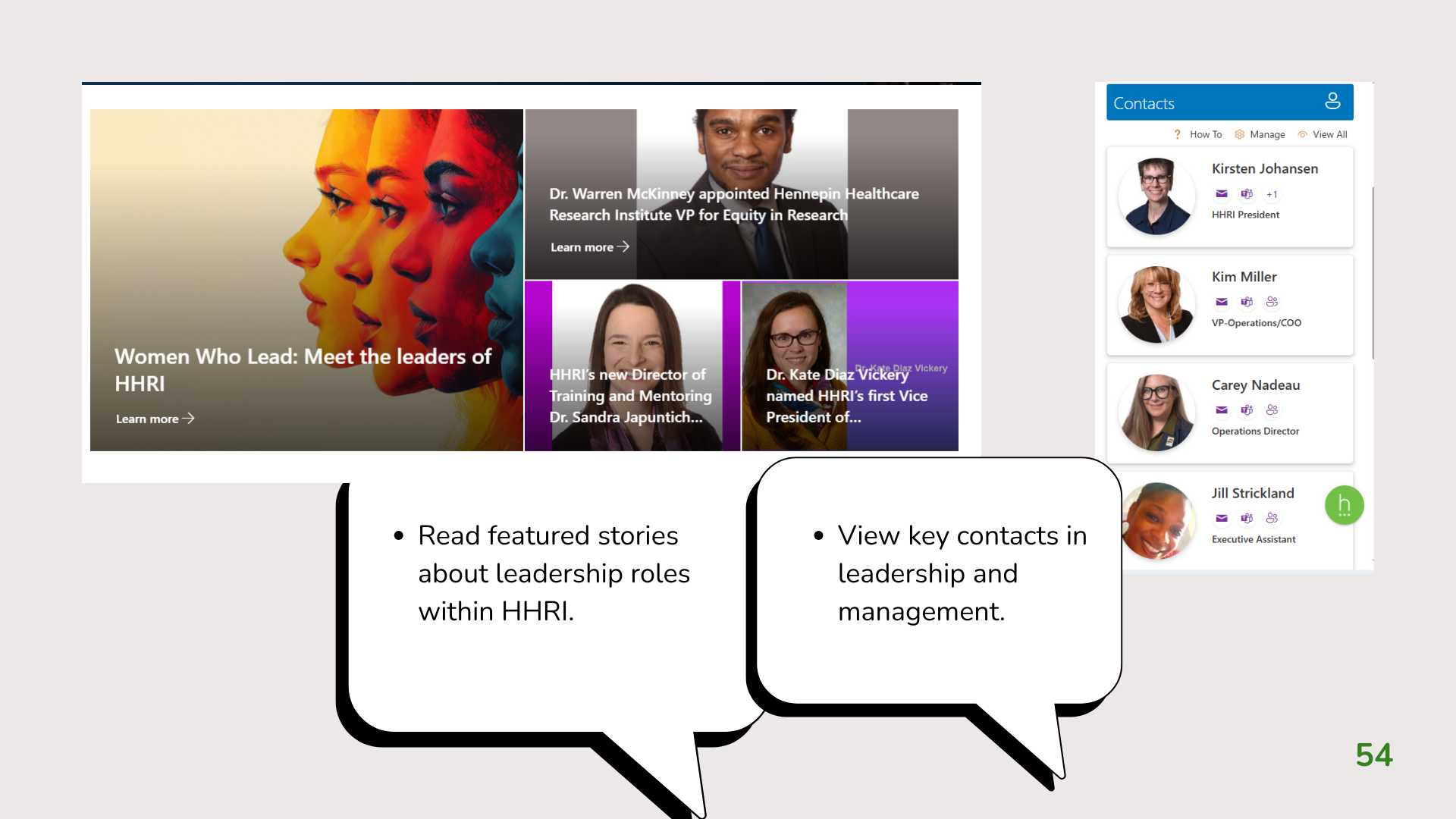
💡Used annotated screenshots, visual callouts, and progressive instruction to simplify navigation.
💡Structured content into a logical learning journey that supported independent learning.
💡Adapted the portfolio version to protect confidential information.
*PORTFOLIO EDITION*
💡This project has been adapted for public viewing. Internal links, employee information, and confidential organizational details have been removed or anonymized.
These screenshots highlight key moments that showcase the instructional approach, visual callouts, and step-by-step guidance used to help employees confidently navigate the original version of the intranet and the newly added features and updates.

While the project preview highlights selected slides, the full presentation demonstrates how the instructional content was organized into a logical learning journey. Watch the walkthrough to see how visual communication, information architecture, and instructional design principles were applied throughout the guide.
THE CHALLENGE:
Employees needed an easy way to adopt Microsoft Teams as the organization introduced the platform. As employees transitioned to a new digital collaboration tool, they needed clear, practical instruction to confidently navigate Teams' core features and integrate them into their daily workflows.
MY ROLE:
I developed the instructional approach, designed a comprehensive Microsoft Teams training presentation, and facilitated company-wide training sessions to help employees confidently use Teams for communication, collaboration, and productivity.
HIGHLIGHTS:
💡Designed a comprehensive instructor-led training presentation covering Microsoft Teams' core features and functionality.
💡Used annotated screenshots, visual callouts, and step-by-step demonstrations to simplify software adoption.
💡Organized content into a logical learning progression that built knowledge through guided instruction and real-world examples.
💡Adapted the portfolio version to remove organization-specific information and preserve confidentiality.
*PORTFOLIO EDITION*
💡This presentation has been adapted for public viewing. Internal links and proprietary information have been removed or anonymized. Since Microsoft Teams is updated regularly, some interface elements and settings shown reflect the version available in October 2024.